How To Honda Civic Key Fob Battery Replacement? Exclusive 7 Guide
Need to change your Honda Civic key fob battery? It’s easy and saves time and money. This guide shows you how to spot a weak battery, get the right tools, and change it step by step.
You’ll learn which battery fits your Honda Civic and where to buy it. First, we’ll cover how to open your key fob. Then, what tools you’ll need.
Finally, we provide a step-by-step guide for removing the old battery and putting in a new one.
This guide makes you ready and confident to replace your Honda key fob battery. By finishing this guide, you won’t just replace your Honda key fob battery.
You’ll also know how to make it last longer. Follow these simple instructions and tips, and you’ll have your key fob working like new!
What’s Your Honda Civic Key Fob?
Your Honda Civic key fob is vital for getting into your car and keeping it safe. It lets you lock and unlock the doors, start the engine from a distance, and may even let you sound a panic alarm.
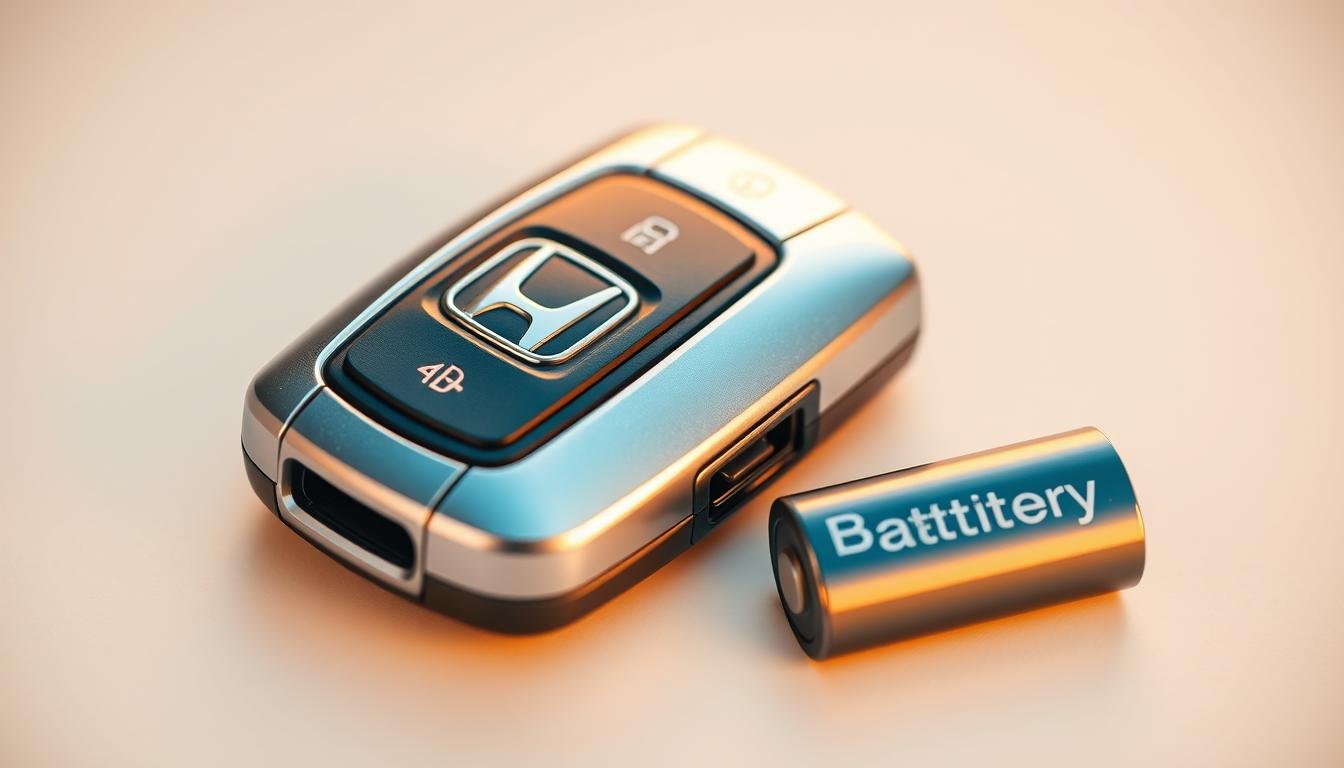
Knowing how it works helps you fix any problems that come up. Honda key fobs need a CR2032 battery, which is a common 3-volt type.
This battery is easy to replace, so you can keep your key fob working well. By getting to know your Honda Civic key fob, you’ll be better at solving any battery issues.
Signs Your Honda Civic Key Fob Battery is Dying
Knowing when your Honda Civic key fob battery is low can prevent future trouble. You may notice you need to be closer to your car for the keyless entry to work.
This decreased range is a big hint. Also, if some buttons work and others don’t, it’s likely a battery issue. This inconsistency can be really annoying.
If the light on your key fob doesn’t come on when you press a button, it’s a clear sign. This means your key fob battery needs changing right away.
By paying attention to these warnings early, you keep your key fob working well.
How To Open A Honda Civic Key Fob
Opening a Honda key fob is simple and helps with changing the battery. First, find the physical key within the fob and take it out.
This key lets you get to the fob’s inside parts. Then, use a small flathead screwdriver or the key you just removed to carefully open the fob at the marked slot.
Make sure to hold the fob well to keep the inner parts safe during this step. Knowing how to open your Honda key fob allows quick access to the battery area.
Once you’ve opened it, you can easily change the battery. This improves how well your key fob works. Doing this right means your key fob will keep working well when you need it.
What You’ll Need For Honda Civic Key Fob Battery Replacement
Getting ready to replace your Honda Civic key fob battery is important. You’ll need the right tools to make sure you do it without damaging your key.
Here’s a list of what you’ll need and some tips on finding the right battery.
Essential Tools For The Job
First off, make sure you have these tools:
- Small jeweler’s screwdriver
- Flathead screwdriver
- Cloth to protect your vehicle’s finish
These tools help you open and close your fob safely. They protect it from any damage during the change.
Finding The Right Replacement Battery
The usual battery for Honda key fobs is a CR2032. You can buy this battery at most hardware stores or online from automotive suppliers.
Many Honda dealerships also have this battery. Always check your battery slot for the right size before you buy a new one.

| Battery Type | Common Uses | Availability |
|---|---|---|
| CR2032 | Honda key fobs | Hardware stores, automotive suppliers, Honda dealerships |
Step-by-Step Guide For Honda Civic Key Fob Battery Replacement
Replacing the battery in your Honda Civic key fob is easy if you follow the steps. This guide will give you clear instructions on how to do it. Make sure you have the correct tools and a new battery.
Removing The Old Battery
Begin by safely opening the key fob as explained before. Carefully pry it open to avoid damage. Next, find the old battery and take it out gently.
Remember how the battery sits, noting which side is up. Also, try not to touch the new battery’s terminals with your fingers. Our natural oils can make the battery weaker.
Inserting The New Battery Correctly
With the old battery out, now put in the new one. Make sure it’s facing the right way, matching the key fob’s indicators.
Proper placement is key to keeping your key fob working right. Then, press the fob halves back together until they click.
Now, you’ve finished changing your Honda Civic key fob battery. Your key fob should work like new.
Choosing The Right Honda Civic Key Fob Battery Type
It’s crucial to pick the right Honda Civic key fob battery. Many Honda key fobs use the CR2032 battery, which has 3 volts.
Make sure you check your old battery’s model number or look at your car’s manual. This prevents choosing the wrong one.
Choosing the right battery for your key fob involves knowing its voltage and size. While several batteries might fit, only the correct one ensures your key fob works well and lasts longer.
So, always double-check the battery type to keep your key fob working smoothly.

Where To Buy Honda Civic Key Fob Batteries
It’s important to find the right spot to get a Honda Civic key fob battery. You have lots of choices, whether you like buying in stores or online.
Options at Local Retailers
You can find a Honda key fob battery at many nearby shops. You should check out:
- Hardware stores
- Pharmacies
- Auto parts stores
These places usually have the CR2032 battery your key fob needs. Being able to go to these shops means you can replace your battery fast. This avoids the wait for an online order to arrive.
Ordering From Honda Dealerships
For guaranteed quality, buying from a Honda dealership is smart. They have parts centers to match your Civic’s model perfectly.
Though it might cost more at a dealership, you get peace of mind knowing your battery will work well.
Common Issues After Battery Replacement
After you replace the key fob battery, some challenges may come up. Users often find their key fob does not work right.
It might not respond, or it can’t connect with your Honda Civic. It’s important to fix these problems carefully.
First, make sure the battery is put in the right way. Follow the maker’s instructions to ensure a good fit. If the key fob doesn’t work, see if it’s put back together correctly.
A fob that’s not closed right might not work well. Sometimes, resetting the key fob fixes these issues.
This step might make it work with your car again. Look in your owner’s manual for how to reset it for your Honda Civic model.
Tips For Prolonging Your Honda Civic Key Fob Battery Life
To make your Honda key fob battery last longer, use the buttons less. Each press uses a bit of power. Keep your fob in a place that’s dry and cool.
This is key for keeping it working well. Don’t let it get too hot or cold and keep it away from water and magnets. These things can make the battery wear out faster.
It’s smart to check how the battery’s doing now and then. If it seems like it’s getting weak, change it out fast.
This keeps your key fob working well without any hiccups. By following these steps, your Honda Civic’s key fob will keep going strong for more time.
Dealing with A Key Fob That Falls Apart
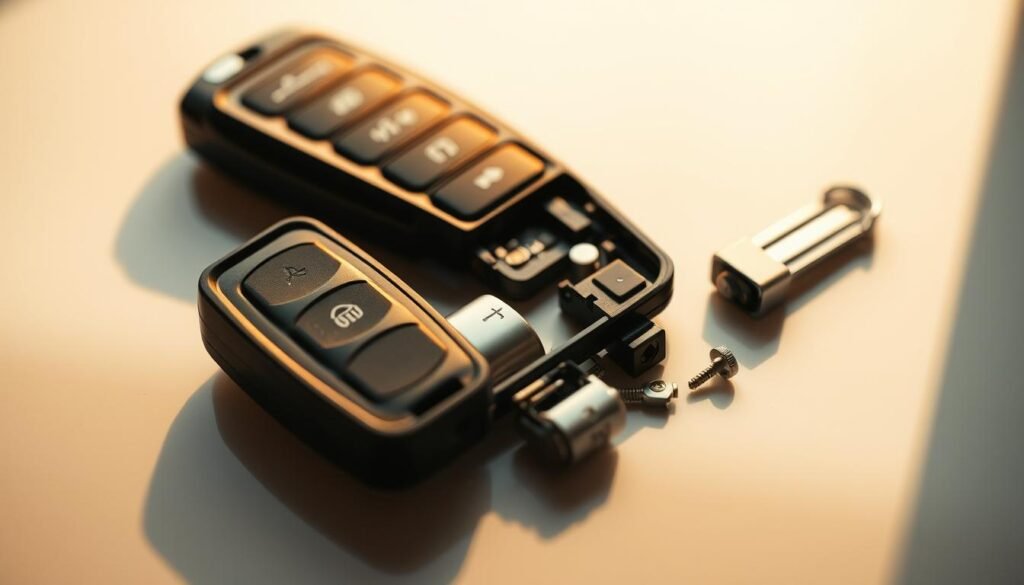
If your key fob has unexpectedly come apart, don’t worry. Fixing it is easier than it seems. Just follow a few simple steps to put everything back correctly.
This will make your key fob work again. It helps if you use another key fob that’s still together as a guide.
Step-by-Step Reassembly
- Start by carefully examining the key fob parts to identify where each component belongs.
- Return each button to its respective slot, ensuring they sit securely in place.
- Align the internal components with precision, ensuring a snug fit before proceeding.
- Once all parts are aligned, reinstall the battery correctly so that it powers the fob.
- Press the two halves of the shell together firmly until you hear a click, indicating the fob is reassembled properly.
Take your time with each step to ensure a smooth reassembly. This can help you get your Honda Civic’s key fob working perfectly again.
Maintaining Your Honda Civic Key Fob
To keep your Honda key fob working well, clean it regularly. Dirt and debris can build up, causing problems. Gently wipe it with a soft cloth, being careful not to scratch it.
Check for any wear or damage on the buttons and case. If you find any, fix them quickly to stop more damage.
It’s important to store your key fob correctly. Keep it in a place that’s dry and not too hot. This helps it last longer. Consider using a protective case made for your key fob. It adds extra protection.
By following these steps, your Honda key fob will stay in great shape. It will work well for many years, helping you enjoy your car more.
Conclusion
Changing the battery in your Honda Civic key fob is doable by following this guide. If you notice your key fob struggling, get the right tools to fix it.
This guide teaches you how to keep your car safe and easy to use. Taking care of your key fob makes it last longer.
The advice here helps your battery work better for more time. By checking and caring for your key fob often, you avoid future problems.
You now have what it takes to take care of your key fob easily. Your Honda Civic’s key fob will work well, securing your car for a long time.
FAQs
Q: What type of battery does a Honda Civic key fob use?
A: Most Honda Civic key fobs need a CR2032 battery. This is a 3-volt lithium battery.
Q: How do I know if my Honda key fob battery is dead?
A: Look for signs like less range, buttons not working well, and no light when pressing the fob.
Q: Can I replace the key fob battery myself?
A: Yes, you can change the key fob battery on your own. You just need the right tools and some instructions.
Q: What tools do I need to replace my Honda Civic key fob battery?
A: You’ll need a tiny jeweler’s screwdriver and a flathead screwdriver. Also, use a cloth to protect your car.
Q: Where can I buy a replacement battery for my Honda Civic key fob?
A: CR2032 batteries are sold at hardware stores, pharmacies, and auto parts shops. You can also find them at Honda dealerships.
Q: What should I do if my key fob isn’t working after replacing the battery?
A: Check that the battery is put in right and the fob is closed well. If it still doesn’t work, you might need to reset the key fob.
Q: How can I prolong the life of my Honda Civic key fob battery?
A: Don’t press the buttons too much. Keep it away from very hot or cold places and wetness. Also, check the battery now and then.
Q: What should I do if my key fob falls apart during battery replacement?
A: If it comes apart, look at another key fob to put it back together. Make sure all buttons are in the right spot before you put in the battery.