How To Reset Tire Pressure Light Honda Civic? Quick 9 Best Guide
To reset the tire pressure light on your Honda Civic, make sure all tires have the right pressure first.
Then, follow a few steps how to reset tire Pressure light Honda civic’s Monitoring System. This feature helps keep your car safe by warning you about tire pressure problems.
It’s annoying, though, when the light doesn’t go off after fixing tire pressure. This guide will show you how to reset the tire pressure light on your Honda Civic.
You’ll get helpful tips and a checklist to make sure you’re ready to start. No matter the age of your Honda Civic, learning how to reset the tire pressure sensor is a big help.
It saves you time and keeps your tires in good shape. You’ll find easy instructions here to reset the Honda Civic’s TPMS light. So, let’s get started and help you feel better about driving your car!
What is The Tire Pressure Monitoring System (TPMS)?
The Honda Civic’s tire pressure monitoring system keeps an eye on your tires’ air pressure. It uses tire pressure sensors to talk to the car’s computer.
This gives you current updates on tire pressure, warning if it’s too low. Knowing how TPMS works helps keep your tires in top shape.
A low pressure alert shows on your dashboard. This early warning reduces tire blowout risks, making driving safer.
Each sensor checks its tire’s pressure and tells the computer system. Changes in temperature or a slow leak can lower tire pressure.
The TPMS is key for both safety and saving gas. Staying up-to-date with TPMS can enhance how your car drives.
Why The Tire Pressure Light Illuminates?
Your Honda Civic’s tire pressure light might turn on for several reasons. It usually means a tire doesn’t have enough air.
Cold weather can lower tire pressure and cause the light to go off. Damage or wear on tires can also make the light come on. It alerts you of air loss.
When the TPMS light shows up, it means your tire pressure is way too low. This needs quick action. Check your tires with a good gauge and fill them as needed.
Ignoring this can make your drive rough and unsafe. Knowing why the TPMS light comes on helps you fix problems fast. This keeps your tires working right.

How To Reset Tire Pressure Light Honda Civic?
Resetting your Honda Civic’s tire pressure light is easy. First, make sure all tires are pumped to the maker’s suggested levels.
It’s important, so the Tire Pressure Monitoring System (TPMS) gets the right info. Let’s walk through the steps to reset your Civic’s tire pressure light.
Step-by-Step Instructions
- Park the car and turn it on.
- If equipped, locate the TPMS reset button, usually found near the steering column. Press and hold it until the tire pressure light blinks twice.
- For models lacking a reset button, use the vehicle’s display screen to navigate to the settings. Go to TPMS Calibration and select Calibrate.
Pre-Reset Checklist
- Check tire pressures using a gauge, confirming they match the recommended settings.
- Inspect all tires, including the spare, for any visible damage or abnormal wear.
- Ensure the TPMS light was previously on before attempting the reset.
Resetting TPMS in Newer Honda Civic Models
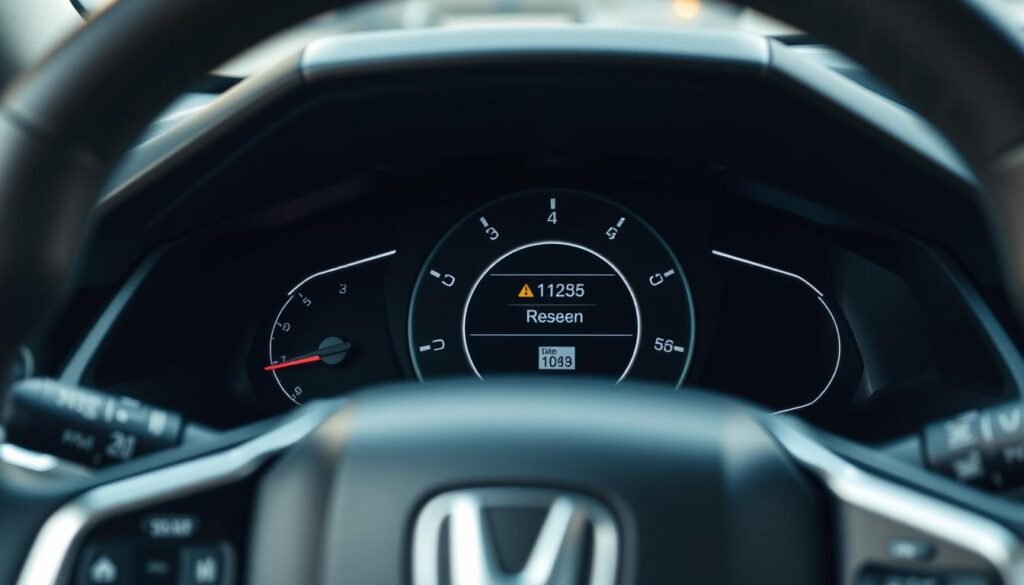
Resetting the TPMS in newer Honda Civics is easy and keeps the system working right. Start by using the car’s touchscreen.
Hit ‘Settings’ on the home screen, then choose ‘Vehicle’ and go to ‘TPMS Calibration.’ Next, click on ‘Calibrate’ to begin the reset.
This adjusts the system with your tires’ current pressures. It’s important to do this after you change tire pressures or get new tires.
It helps the system track pressure accurately and warn you if it’s off.
Resetting TPMS in Older Honda Civic Models
For older Honda Civic models that don’t have cool touchscreen features, resetting the TPMS is a bit different.
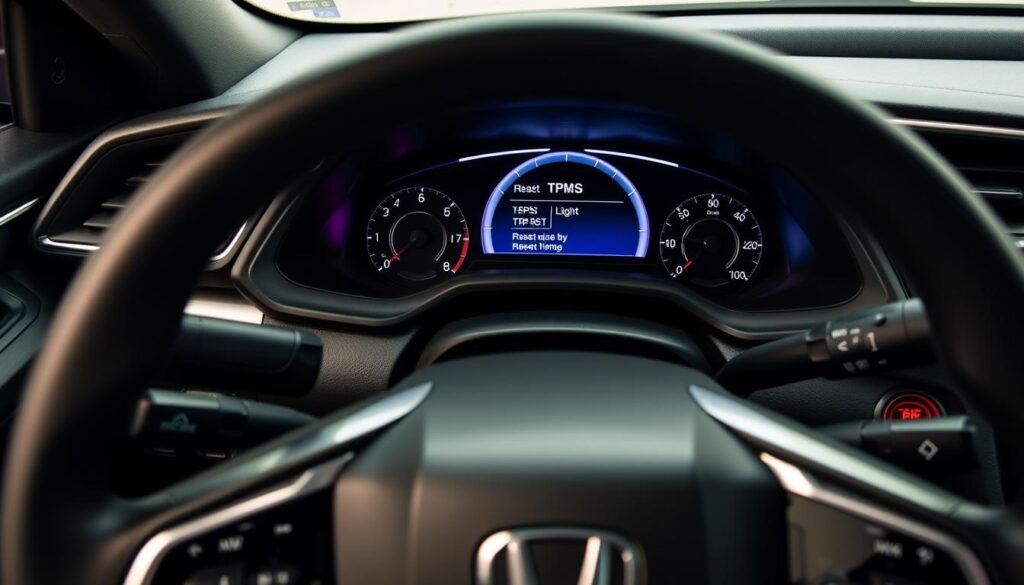
Knowing how to use the TPMS button really helps. You’ll have to find the TPMS button, which you can usually see to the left of the steering wheel.
Using The TPMS Button
To reset the TPMS in an older Honda Civic, just follow these simple steps:
- Make sure the car is in the “ON” position but don’t start the engine.
- Find the TPMS button on the left side of the steering wheel.
- Hold down the TPMS button until the warning light blinks twice.
- The light will go off, showing that you’ve reset it successfully.
If your car doesn’t have this button, don’t worry. You can do something similar with the driver information screen, like in newer models.
But, it’s always smart to check the owner’s manual for exact instructions for your car.
Handling Common TPMS Issues
Tire Pressure Monitoring System (TPMS) problems can be a headache. Sometimes, Honda Civic TPMS issues won’t go away even after a reset.
Knowing how to fix these problems makes your drive safer and more pleasant.
What To Do if The Light Doesn’t Turn Off
When the tire pressure light stays on, try these steps:
- Make sure all tires have the correct pressure.
- Drive faster than 28 mph for a bit. It helps the system adjust.
- A flashing or steady light may mean a bad sensor in the TPMS.
When To Seek Professional Help
If you keep having TPMS issues with your Honda Civic, see a mechanic. They know how to find and fix the problem.
When simple fixes don’t work, a trusted mechanic will get your TPMS working right again.
Importance of Regular Tire Maintenance
Keeping up with tire maintenance is key to your Honda Civic’s safety and performance. Monthly checks of tire pressure help avoid blowouts and make your tires last longer.
Also, looking for wear and tear tells you when they need attention. Having the right amount of air in your tires boosts your gas mileage.
When your tires are perfectly inflated, your Honda Civic handles better. This makes your drive smoother. You should rotate your tires according to your car’s guide.
This helps wear them down evenly and keeps them going longer. If you skip checking your tires regularly, you might face expensive fixes and risk your safety.
Neglecting tire care also hurts how well your car drives. So, making tire checks a habit not only protects your ride. It also saves you gas money and keeps you safe on the road.
| Type of Maintenance | Frequency | Benefits |
|---|---|---|
| Tire Pressure Check | Monthly | Prevents blowouts, improves fuel efficiency |
| Tire Inspection for Wear | Every 5,000 miles | Identifies unsafe conditions, extends tire life |
| Tire Rotation | Every 6,000-8,000 miles | Ensures even tire wear, maximizes performance |
How Tire Pressure Affects Vehicle Performance
Tire pressure greatly impacts how your vehicle performs. Having the right tire pressure makes your car more fuel-efficient and easier to handle.
It also keeps you safer on the road. If your tires aren’t inflated correctly, your car might use more gas. It could even lead to a tire blowing out while you drive.
Having too much air in your tires isn’t good either. This can make your car harder to control, especially on wet roads.
If you drive something like a Honda Civic, it’s important to know how tire pressure affects it. The right tire pressure means your car will drive smoother, stop quicker, and last longer.
Here’s a breakdown of the impact of tire pressure on vehicle performance:
| Tire Condition | Fuel Efficiency | Handling | Safety |
|---|---|---|---|
| Underinflated | Decreases | Poor | Increased risk of blowouts |
| Perfectly Inflated | Optimal | Improved | Enhanced safety |
| Overinflated | Variable | Reduced | Risk of skidding |
Conclusion
Resetting the tire pressure light in your Honda Civic is crucial. It’s key for safety and performance. Knowing how to handle tire pressure improves driving and extends tire life.
TPMS is vital. It warns you when tire pressure isn’t right. By keeping an eye on your tires, you can prevent future problems.
This makes your ride safer and smoother. Being proactive with tire care is smart. It follows the car maker’s advice and shows responsible car ownership.
Regular checks and valuing TPMS make driving your Honda Civic better and safer.
FAQs
Q: How do I reset the tire pressure light on my Honda Civic?
A: First, inflate all tires to the suggested pressure. If your Civic has a TPMS reset button, press it until the light blinks twice. Without this button, go into the vehicle settings on the display. Then, choose TPMS Calibration and hit Calibrate.
Q: What does the tire pressure light mean?
A: The tire pressure light warns you when tires are 25% below their ideal pressure. Changes in temperature or tire wear might cause this drop.
Q: Why is my tire pressure light still on after resetting?
A: If the light stays on, double-check that all tires are properly inflated. Try driving over 28 mph for a bit to recalibrate the system. If the light doesn’t go off, see a mechanic.
Q: How often should I check my tire pressure?
A: Check your tire pressures every month and before any long trip. This ensures your car performs well and stays safe.
Q: What should I do if my Honda Civic has a TPMS malfunction?
A: If the TPMS light flashes or doesn’t turn off, there might be a sensor issue. It’s best to have a mechanic check your car to fix the problem.
Q: Can I reset the tire pressure light without a button?
A: Yes. If there’s no TPMS button, use the vehicle’s display settings. Navigate to TPMS Calibration and select it to reset the light.
Q: How does tire pressure affect fuel efficiency?
A: Correct tire pressure lowers rolling resistance, which improves fuel efficiency. Low tire pressure increases fuel use and the chance of tire failure.
Q: What is the importance of the Tire Pressure Monitoring System (TPMS)?
A: TPMS keeps an eye on tire pressure. It alerts you when the pressure drops below safe levels, helping to enhance safety, fuel efficiency, and the car’s overall performance.