
System Off To Save Battery Ford – Auto 9 Tips
The “System Off to Save Battery Ford” in vehicles helps keep your battery lasting longer. It turns on automatically when your battery power is getting low.
This smart feature shuts down things you don’t need, so your car is ready whenever you are. This guide will show you how the system stops battery drain and its importance.
You’ll discover the perks of the battery saver, what causes the “System Off” alert, and how to keep your battery in top shape.
We’ll also tell you how to tweak your car’s settings for better battery life and what to do if you run into problems.
Following these tips will help your Ford’s battery stay strong and your vehicle always ready for action.
What is The “System Off To Save Battery Ford” Feature
Ford vehicles have a built-in feature called “System Off to Save Battery.” It’s there to keep the battery from running out too fast.
When your car’s battery power gets too low, this feature steps in. It helps make sure your car will still start later on.
The system keeps an eye on how much power your battery is using. If the voltage drops too much, it turns off things that don’t matter as much.
Things like inside lights, the radio, and the air conditioning get cut off. This way, there’s enough power left to start the car and keep it dependable.
How It Works To Prevent Battery Drain
This smart feature in Ford cars watches the battery voltage all the time. It notices if the battery power goes down.
Then, it turns off some parts to save energy. By turning off some features like lights and air conditioning, it saves power.
This power is then used for important things, like starting the car. So, your car stays ready to use when you need it.
Why This Feature is Important For Ford Owners?
If you own a Ford, knowing about this feature is good for taking care of your car’s battery. It helps you avoid sudden battery problems.
You can keep driving without worrying about your car stopping. Using this information, you can make your car’s battery last longer.
This means your Ford stays working great. Plus, you get to enjoy driving it even more.
Benefits of The Battery Saver System in Ford Vehicles
Ford’s battery saver system offers many benefits for car owners. It helps make your Ford’s battery last longer.
So, you can count on your car for daily activities without worrying about the battery. This system manages how the car uses energy, keeping the battery healthy.
Enhanced Battery Longevity and Reliability
This smart system prevents harmful discharge cycles, often the cause of battery failure. Keeping your Ford’s battery in great shape, it activates the saver feature.
Thus, it ensures your battery stays in top condition, reducing the risk of sudden failures.
Improved Vehicle Performance and Readiness
The battery saver system boosts your car’s performance by using power wisely. It keeps important functions ready, so you’re less likely to face battery problems.
With this system, you can drive confidently, knowing your Ford is reliable.
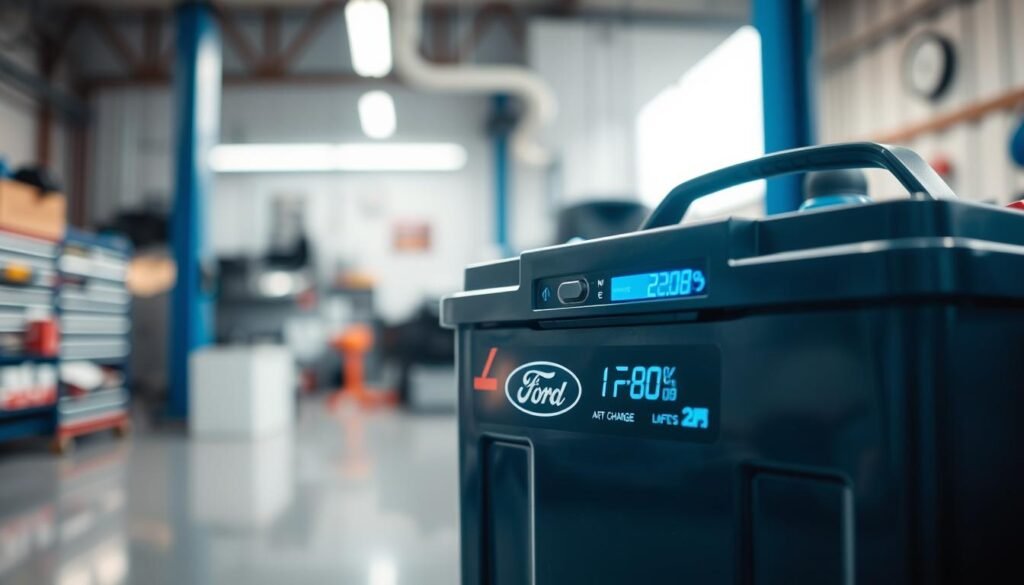
What Triggers The “System Off To Save Battery” Message?
The “System Off to Save Battery” message is a key warning for those who drive Ford vehicles. It tells you when something is draining your car’s battery more than it should.
Many things can cause this message to show up, from how often you drive to the battery’s health.
Common Causes of Battery Drain
Knowing what leads to battery drain is important to keep your car running well. Here are a few common reasons:
- Prolonged idling, where the engine runs but electrical systems remain active.
- Excessive use of accessories like lights, air conditioning, or infotainment systems when the engine is off.
- Aging batteries nearing the end of their lifespan, which impacts their charge retention.
- Corroded terminals or loose connections, which can prevent proper electrical flow.
Monitoring Battery Health in Ford Models
If you own a Ford, keeping an eye on your battery’s health is a smart move. Many Ford cars now have systems that check the battery’s condition for you.
Regularly checking your battery can help you:
- Utilize onboard systems to check voltage and overall battery performance.
- Identify signs of wear before they lead to failure, ensuring reliable operation.
- Address any electrical system issues that could lead to battery drain.

Maintaining Your Ford’s Battery For Optimal Performance
Taking good care of your Ford’s battery boosts its life and performance. It’s important to regularly do things like check the voltage and clean it.
This keeps the battery healthy and avoids breakdowns that could leave you stuck. To look after your battery, use a multimeter to check its voltage now and then.
A well-working battery should show around 12.6 volts when the car isn’t running. If it shows less, you might need to do some maintenance.
Keeping the battery terminals clean from corrosion and making sure everything’s connected tightly helps keep your car running smoothly.
Regular Voltage Checks and Cleaning Procedures
- Check voltage with a multimeter; aim for around 12.6 volts.
- Clean battery terminals to remove any corrosion.
- Inspect connections to ensure they are secure.
- Consider external factors, such as temperature, that may affect battery performance.
Signs of A Failing Battery
Being aware of failing battery signs is important. Here are the main things to watch for:
- Slow engine cranking when starting the vehicle.
- Visible corrosion around the battery terminals.
- Electrical components malfunctioning or dimming.
- Unpleasant smells, such as a rotten egg odor, which may indicate leakage.

Staying ahead with these maintenance steps helps your Ford’s battery work well and last longer.
Regular check-ups and cleanups are key in keeping your Ford’s battery in top shape and preventing bigger issues later.
Adjusting Vehicle Settings To Optimize Battery Usage
Making small changes to your vehicle settings helps a lot. It boosts battery life and efficiency. You get reliable performance and avoid battery drains.
Minimizing Idle Time
To increase battery life, keep idle time short. Turn off your engine if you’re parked or waiting a long time. This saves energy and keeps your battery charged.
Utilizing Energy-Saving Features
Many Ford vehicles have a system to save power. Learn about your car’s energy-saving modes and use them when parked.
Features like automatic system shutoff save energy and improve battery use.
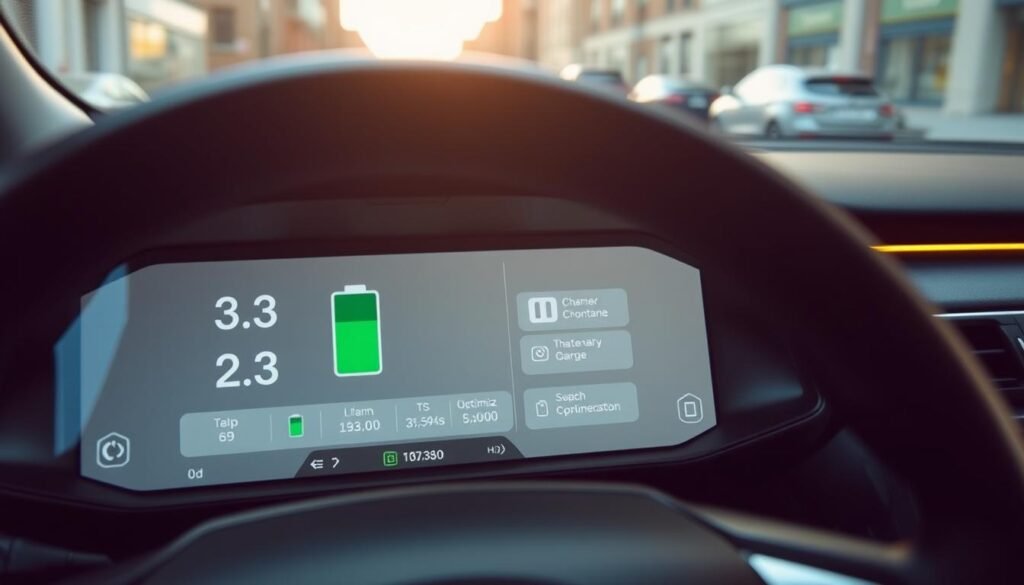
Troubleshooting The “System Off To Save Battery Ford” Message
Seeing the “System Off to Save Battery” message means it’s time to check your car. Start by using a multimeter to check the battery’s voltage.
A low reading indicates the battery isn’t charging well, which requires looking into what’s causing the battery to drain.
Step-by-Step Diagnosis Process
To fix battery problems, do the following:
- Measure the battery voltage using a multimeter.
- If the voltage is low, check for parasitic drain in Ford vehicles.
- Make sure lights, including those inside and in the trunk, turn off when the car is off.
- Look at any extra accessories that might use power.
- Disconnect circuits one by one to find the drain source.
Identifying Parasitic Drain Issues
Issues that cause parasitic drain in Ford vehicles include:
- Interior lights staying on even after doors are shut.
- Improperly installed aftermarket electronic devices.
- Relays that are stuck and keep parts powered.
- Bad wiring that lets electricity flow when it shouldn’t.
Solving these problems helps your battery last longer and work better.
System Off To Save Battery Ford: Learning Affected Systems
The “System Off to Save Battery” feature aims to boost your Ford’s efficiency. It smartly reduces power use.
This guide explains which systems are turned off and what still works when saving battery.
Non-Essential Systems That Are Disabled
Some systems in your car stop working temporarily in battery-saving mode. These are:
- Infotainment unit
- Climate control settings
- Ambient lighting
- Non-essential sensors
Turning off these systems helps ensure the crucial parts of your vehicle have enough power.
Critical Functions That Remain Active
Even with non-essential systems off, your car keeps running important things. These include:
- Engine starting
- Safety systems such as airbags and brakes
- Basic dashboard indicators
This method prevents the battery from dying completely. It keeps your vehicle functional when conserving power is key.
Alternative Solutions For Battery Management
Making sure your Ford’s battery stays healthy might need extra steps. Using battery maintainers and getting better batteries can help a lot. This makes your vehicle more reliable for a longer time.
The Role of Battery Maintainers
Battery maintainers are vital for keeping your battery charged when not in use. They give a steady charge to prevent the battery from losing power and avoid overcharging.
This is great for cars that don’t get driven much. By using a maintainer, your battery stays in great shape, ensuring your car starts reliably every time.
Upgrading To Higher Performance Batteries
Choosing better batteries is a smart move too. These batteries last longer in tough conditions thanks to modern tech.
Look for ones with high cold-cranking amps if you’re in a cold place or use lots of car accessories. This gives you the power you need without draining your battery.
When To Seek Professional Help
Knowing when to get help for your Ford’s battery is key. The battery is very important for your car’s performance. If you ignore it, you might face some problems.
You need to know the signs that tell you it’s time for a new battery. This way, you save money, time, and avoid trouble.
Signs That Indicate Battery Replacement is Needed
- Battery age exceeds three years
- Frequent trouble starting the vehicle
- Regular need for jump starts
- Dim lights and electronic accessories malfunctioning
- Corrosion or buildup around battery terminals
Seeing these signs means you should talk to experts. They will check your battery thoroughly.
They look at its power and how well it connects to your car’s electric system. Getting help early stops your battery from dying when you least expect it.
Implementing Regular Care For Your Ford’s Battery
Taking good care of your Ford’s battery is key for its longevity and reliability. By following top battery maintenance practices, you can improve performance and dodge sudden problems.
Best Practices For Battery Maintenance
For a healthy battery, consider these tips:
- Check the battery’s voltage often. It should be between 12.4 to 12.7 volts when fully charged.
- Clean the battery terminals to keep corrosion away. Use a mix of baking soda and water to clean well.
- Make sure all battery connections are tight. Loose ones can make your battery perform poorly.
Regularly Starting Your Vehicle
If you don’t drive your Ford much, start it once a week at least. Doing so helps keep the battery charged and prevents the “System Off to Save Battery” feature from turning on.
Starting it often also helps the fluids move and the parts work right.
Conclusion
The “System Off to Save Battery” feature in Ford vehicles saves battery life. It’s important to know how it works and why it’s good for your car.
This knowledge means fewer issues while driving. Following Ford’s tips for battery care makes sure your car is ready when you are.
For the best performance from your Ford, taking care of the battery is key. Good battery management helps avoid problems and makes driving smoother.
Being proactive about your vehicle’s battery health gives you peace of mind.
In short, knowing about the “system off to save battery ford” feature and keeping up with maintenance makes your Ford more reliable and efficient. Using this information helps your Ford perform better, lasting many years.
FAQs
Q: How does the “System Off to Save Battery” feature function in Ford vehicles?
A: The “System Off to Save Battery” feature checks the battery’s voltage. It turns off things like the air conditioning and music when the battery gets low. This helps keep the important parts of your car working.
Q: What can trigger the “System Off to Save Battery” message?
A: You might see this message if your car idles for too long. Using the radio or lights with the engine off can also cause it. Or, it might mean your battery is getting old.
Q: How can I maximize Ford battery life?
A: You can keep your battery going longer by checking its voltage often. Also, keep the terminals clean, cut down on idling, and use energy-saving settings.
Q: What maintenance practices are recommended for optimal battery performance?
A: For the best battery life, check its voltage regularly and make sure connections are secure. Also, try to start your vehicle weekly to keep the battery charged.
Q: What are the signs of a failing battery in a Ford vehicle?
A: A dying battery might make it hard to start the engine. You might need to jump-start it often. Look for corrosion on the terminals, too.
Q: How can I troubleshoot persistent “System Off to Save Battery” messages?
A: Check the battery voltage with a multimeter. Look for drains on the battery. Also, check each circuit to find power leaks.
Q: Why is regular maintenance important for Ford battery health?
A: Keeping up with maintenance stops bad discharge cycles. This keeps the battery healthy, makes your car more reliable, and prevents sudden power loss.
Q: When should I consider upgrading my battery?
A: Think about a new battery if yours is over three years old, has trouble starting, or if you use a lot of power for add-ons, especially in harsh weather.